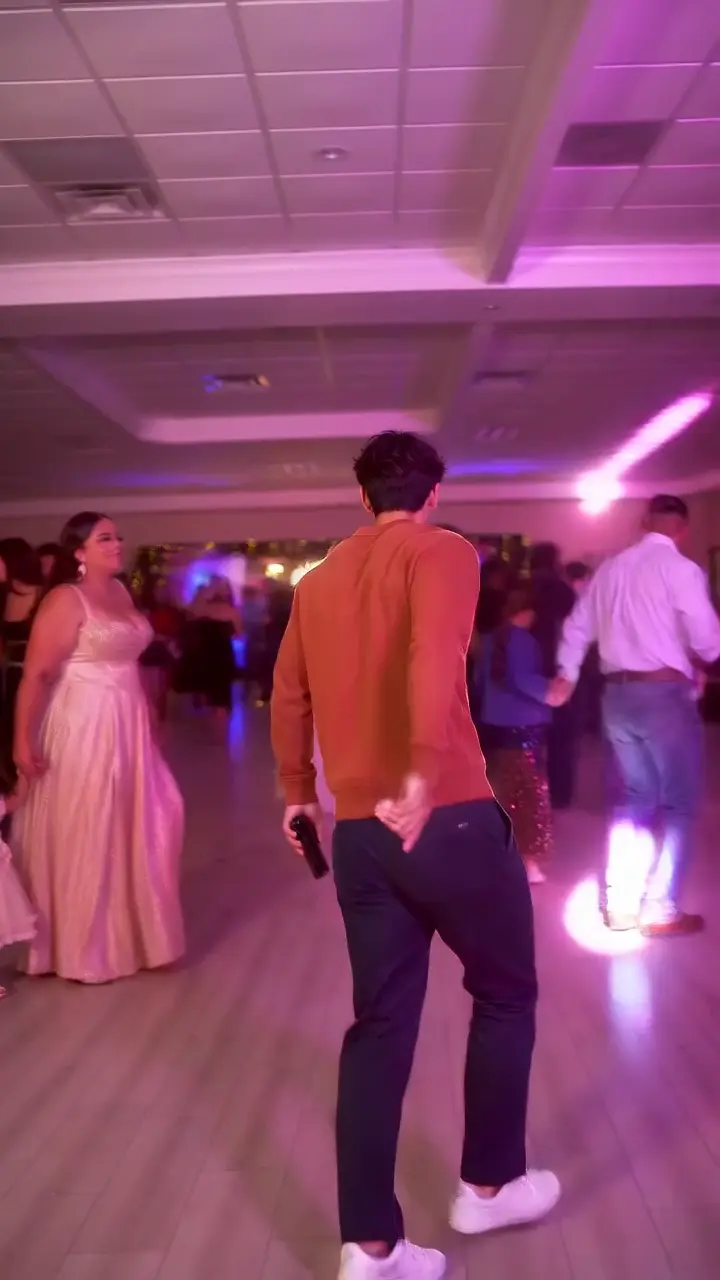
Add the Dime Dime Baby sound in TikTok or Reels after downloading your silent video. Choose an available BbY WOW track and align its chorus with the concha bite.
MATCH THE SOUND TO THE MOVEMENT
Find the bite in your video
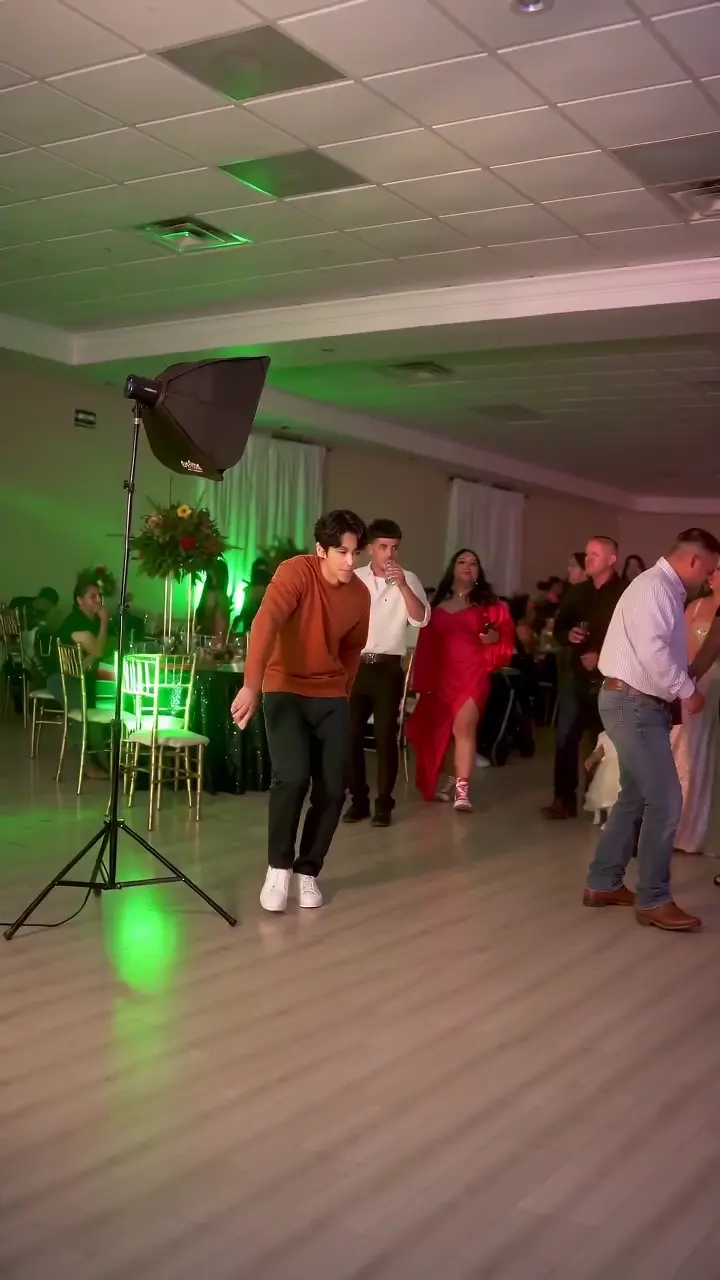
Use this silent sample to locate the visual cues, then adjust the sound in your posting app. The markers are positions in this video. Your chosen audio track has its own starting point.
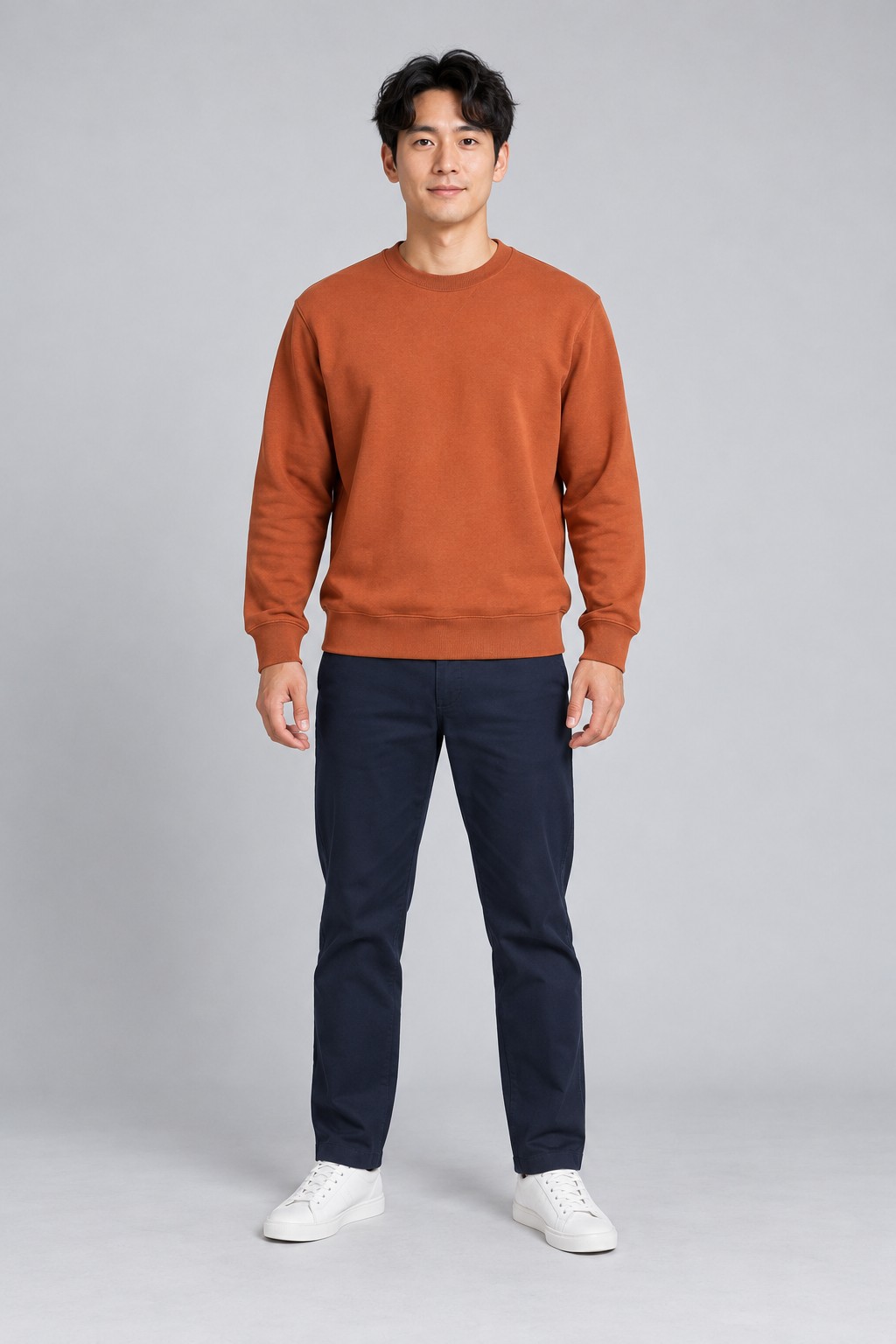
Photo used for this example720 × 1280 original · about 9 seconds · silent
Follow the person approaching through the party.
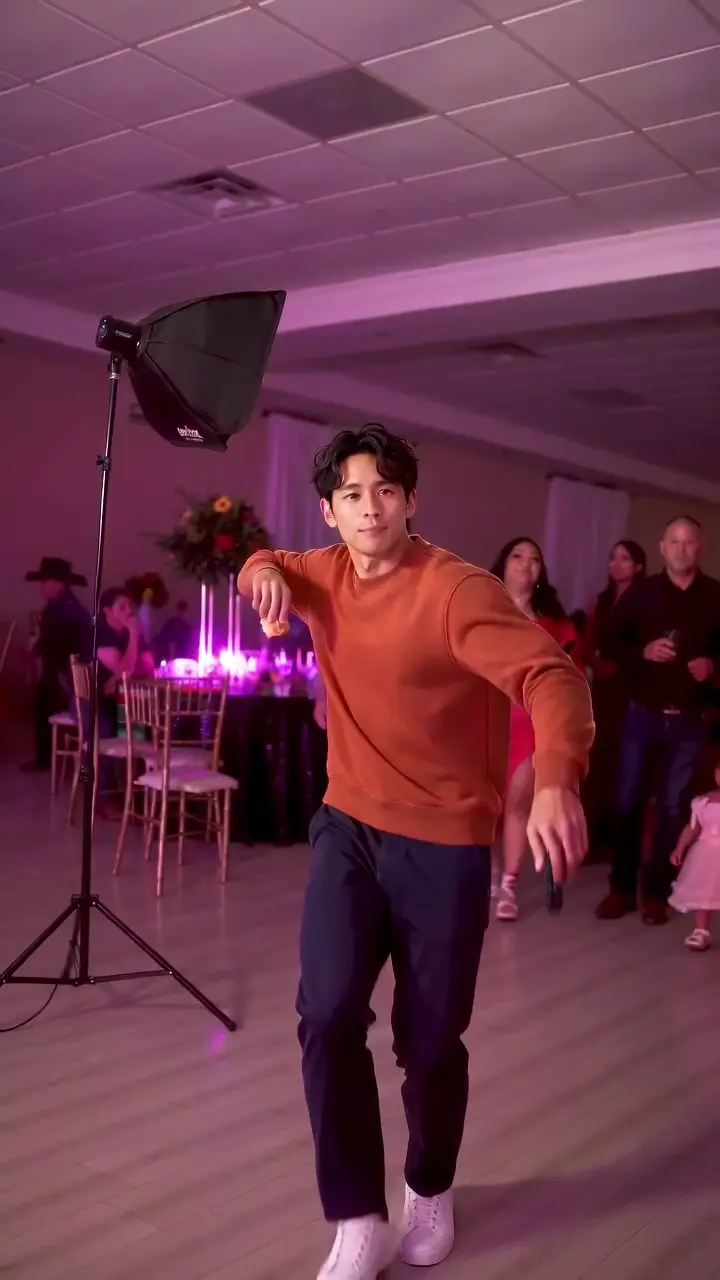
Check the arm movement and the outfit from the photo.
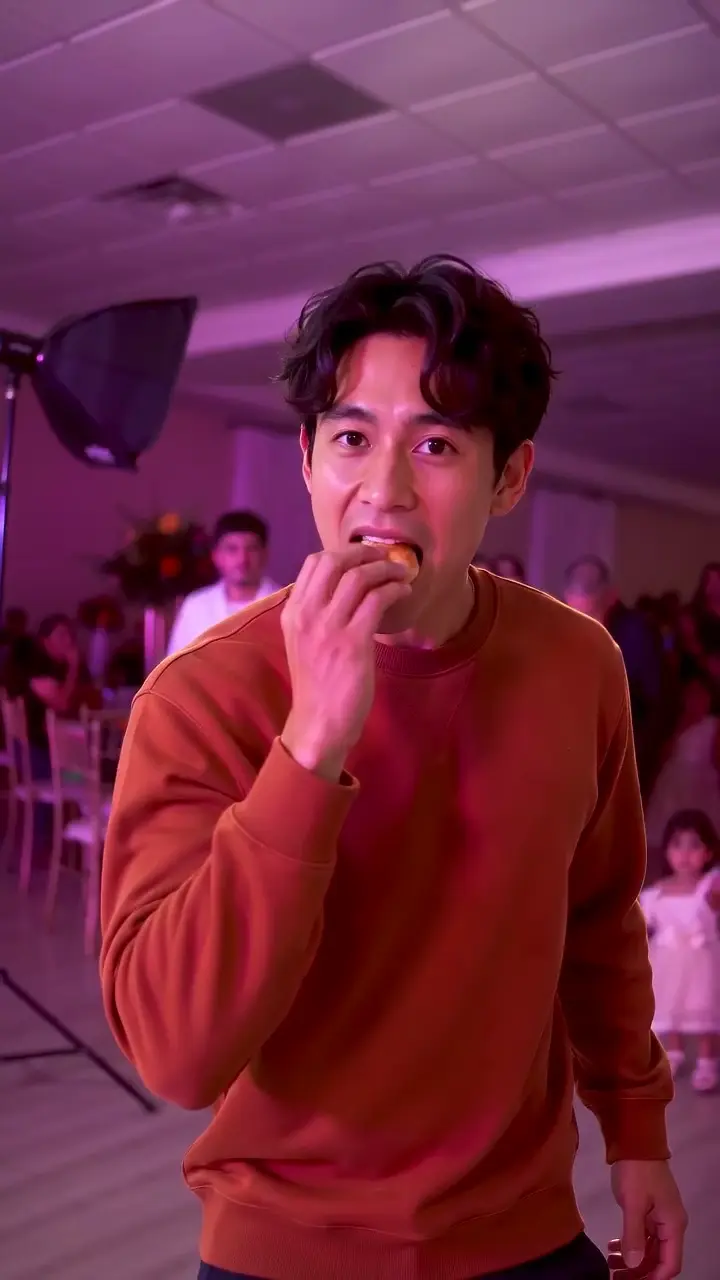
Watch the hand, bread and mouth together.
Inspect the face during the close view.
Watch the person dance back into the crowd.
Times are approximate markers in this sample, not guarantees for every generated frame. Play the entire clip to check transitions between them.
The video is generated directly in a vertical frame, with the party and dancer filling the screen. Compare the sequence with the party-clip reference on TikTok. The reference is separate from the generated result shown here.
WHAT YOU NEED TO KNOW
How to Add the Dime Dime Baby Sound
01
1. Save the finished video
Download the silent MP4 to your device. New videos on this site are generated directly in 9:16, with the dancer and party filling the vertical canvas. Save the original 720p MP4 to your phone. If you selected enhanced 1080p, keep the tab open until preparation finishes.
02
2. Find the BbY WOW track in your posting app
Start a post in TikTok, upload your video and open the sound picker. Search for BbY WOW or Dime Dime Baby sound. In Reels, upload the video and use the audio picker. Check the artist and preview the track. Available recordings, remixes and permitted uses depend on your region and account.
03
3. Match the concha bite to the sound
Preview the chorus while watching the bite. Move the selected audio segment earlier or later until it fits, then check the walk-in and final turn. In our sample the bite is around 3.3 seconds and the stare around 5 seconds. These are positions in our video, not timestamps to copy into every audio track.
04
4. Check the whole clip and publish
Play the full video with the chosen Dime Dime Baby sound. Check the opening, bite and turn, as well as the face and hands. Use the platform’s AI-generated content label when posting. The MP4 downloaded from this site stays silent; the sound is added in your posting app.
05
Why does the sound drift out of sync?
A normal-speed song and a sped-up remix have different timing. If the bite lines up but later actions drift, try the version used in the reference you want to follow. Moving the start changes the offset; it cannot fix a different playback speed. Adjust audio in your editor before spending credits on another generation.
06
What if I cannot find that sound?
Search by the song title BbY WOW and artist KAROL G, then check the options available to your account. If the recording is unavailable for your intended use, choose permitted audio or post without it. Links to a sound can stop working, and this guide does not include music rights.
FAQ
Frequently asked questions
Does my video already include the Dime Dime Baby sound?
No. The party-dance download is silent. Add an available track through your posting app or an editor where you have permission to use it.
What exact second should I start the music at?
There is no single start time for every upload or remix. Use the bite as a visual cue and adjust the audio while previewing your own finished video.
Do I need to generate again if the music is off-beat?
Usually you can adjust the sound segment or choose the matching speed in your editor. Changing the music or preparing a vertical export does not require a new generation on this site.
Can I use the same method for YouTube Shorts?
Yes. Upload the video in Shorts and choose a sound available to your account. Preview and align it with the bite, then review the entire result before posting.