 ↗
↗01 / DIME DIME BABY
The concha bite and stare
Watch the walk-in, bread bite and turn back to the party. About 9 seconds · native 720p · silent. Download the native vertical MP4, ready to save to your phone.
Download vertical MP4 ↗ Dime Dime BabyAI
Make a Dime Dime Baby video with your photo: walk into the party, bite the concha, look into the camera and turn back to the dance. Upload a photo to recreate the sequence without filming yourself or learning the steps.
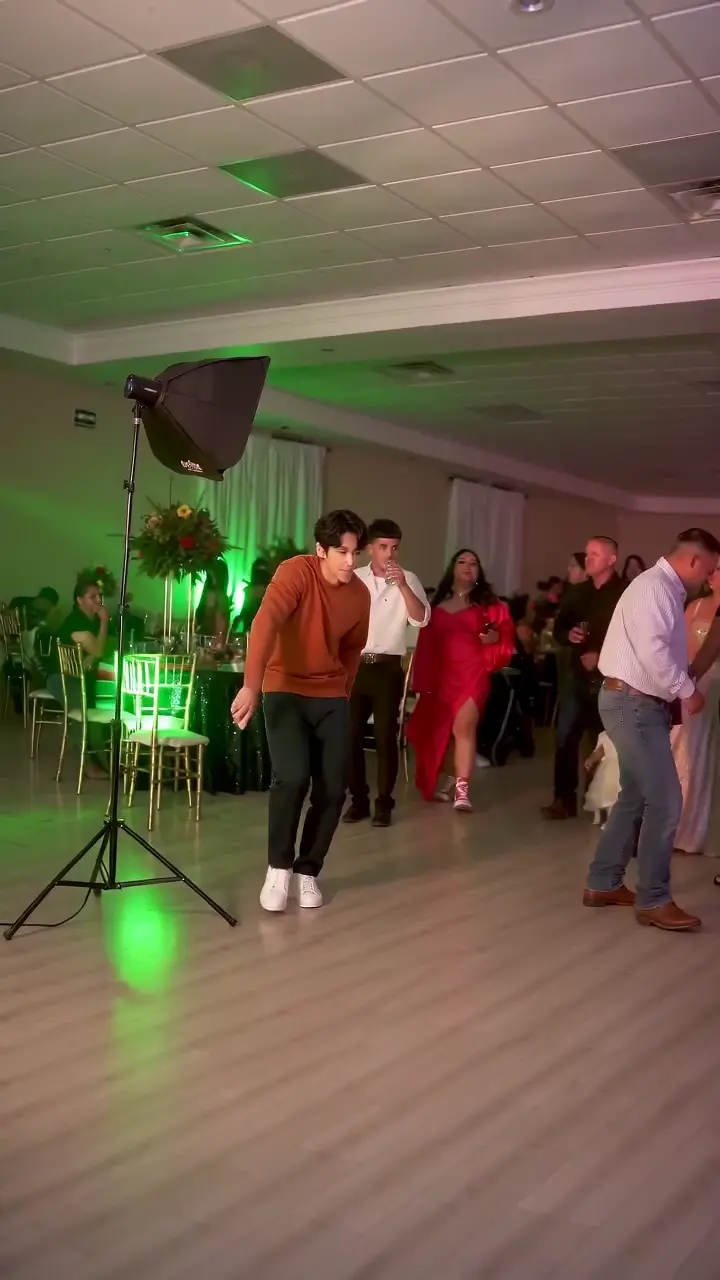
AI example of the Dime Dime Baby dance seen on TikTok. Watch the party-clip reference ↗
Your finished video will appear here.
DimeDimeBaby.info is a browser-based AI video generator for the Dime Dime Baby / BbY WOW party-dance trend. One adult photo becomes the concha-bite sequence: walk in, bite the bread, look into the camera and turn back to the dance. The motion reference is built in.
This preset follows the party clip with the walk toward the camera, concha bite, straight-faced pause and turn back to the crowd. Your photo supplies the dancer’s appearance. Watch the complete example and its movement description to check it is the version you want, or identify the clip by its people and actions. This preset accepts one consenting adult; it currently does not offer the cowboy-hat sequence.
Generation time depends on the provider queue. Download your native vertical MP4 directly. Keep this tab open if you select 1080p enhancement; the original file stays available.
Make my dance video → Which tool should I use? →Upload one adult photo, select the party dance and generate your video. Download the MP4 and add the BbY WOW sound in TikTok.
Use one adult facing the camera, with a clear face, hands and legs. Choose JPG, PNG or WebP up to 5 MB.
Select Dime Dime Baby and sign in. A standard video uses 1 credit. The preset supplies the movement, so you can start without filming yourself.
Preview the full video, download the silent MP4 and add available music in your posting app. Use the AI-generated label when sharing.
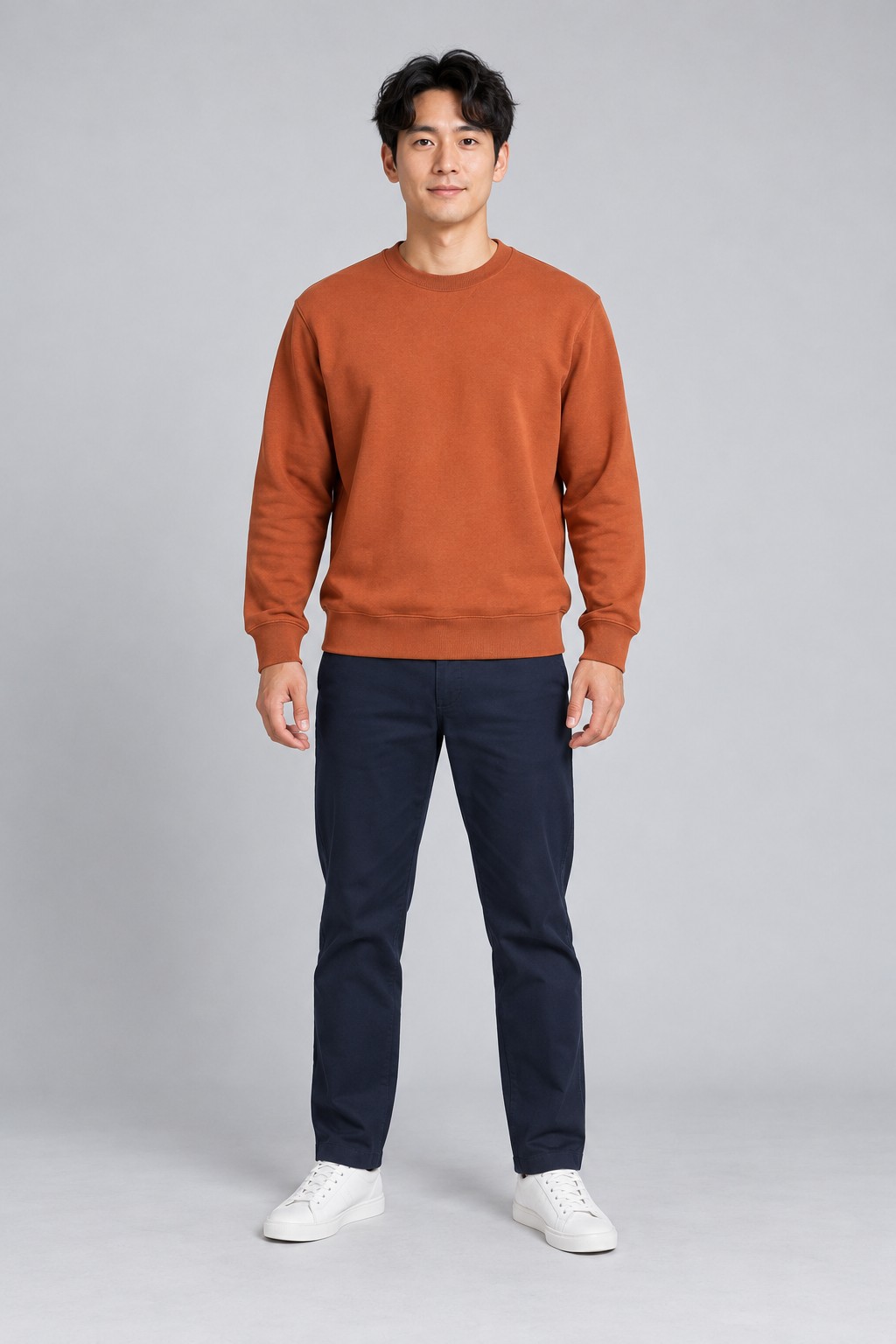
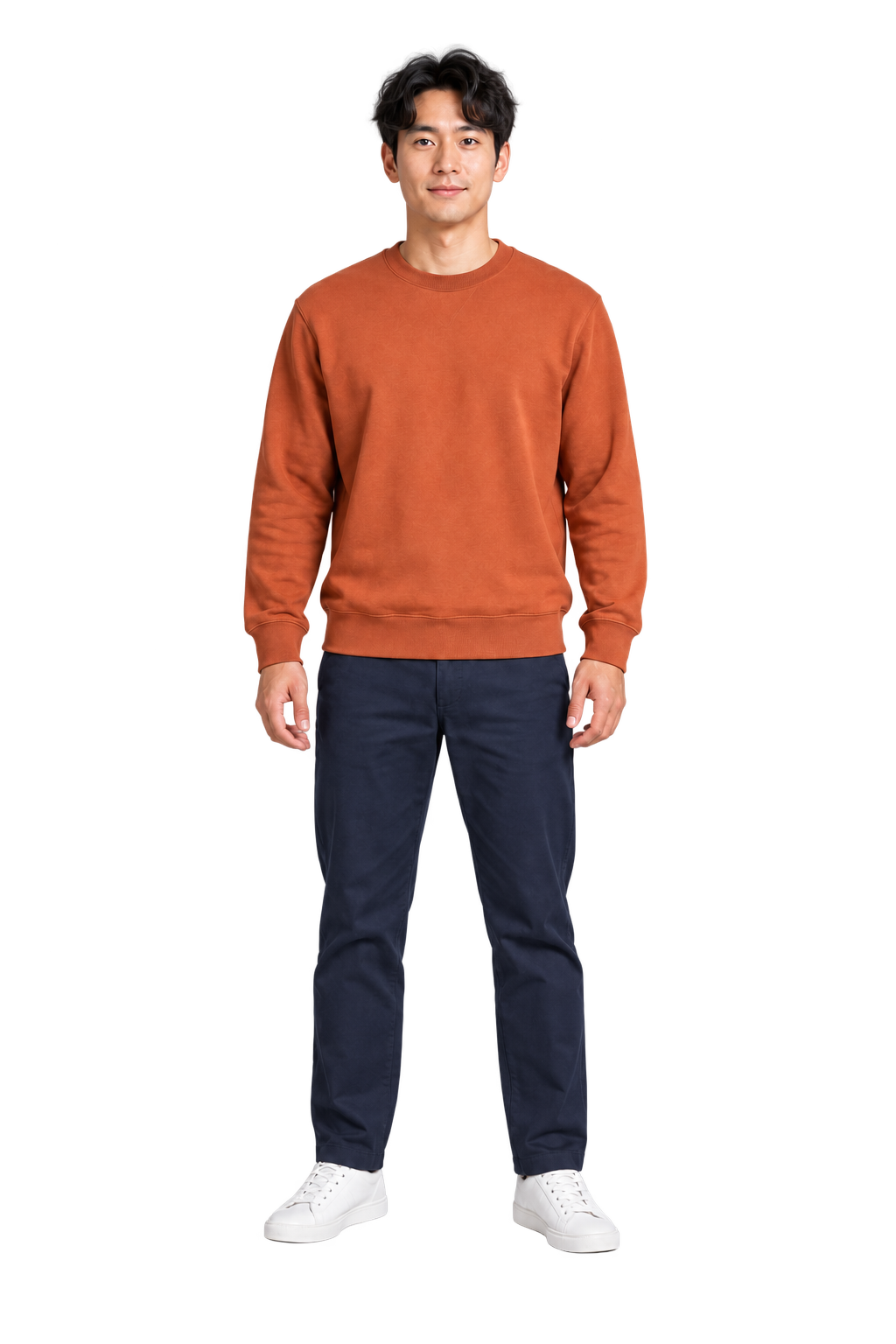
See the photo and its finished video side by side. Play the whole clip to check the face, movement and ending.
↗Watch the walk-in, bread bite and turn back to the party. About 9 seconds · native 720p · silent. Download the native vertical MP4, ready to save to your phone.
Download vertical MP4 ↗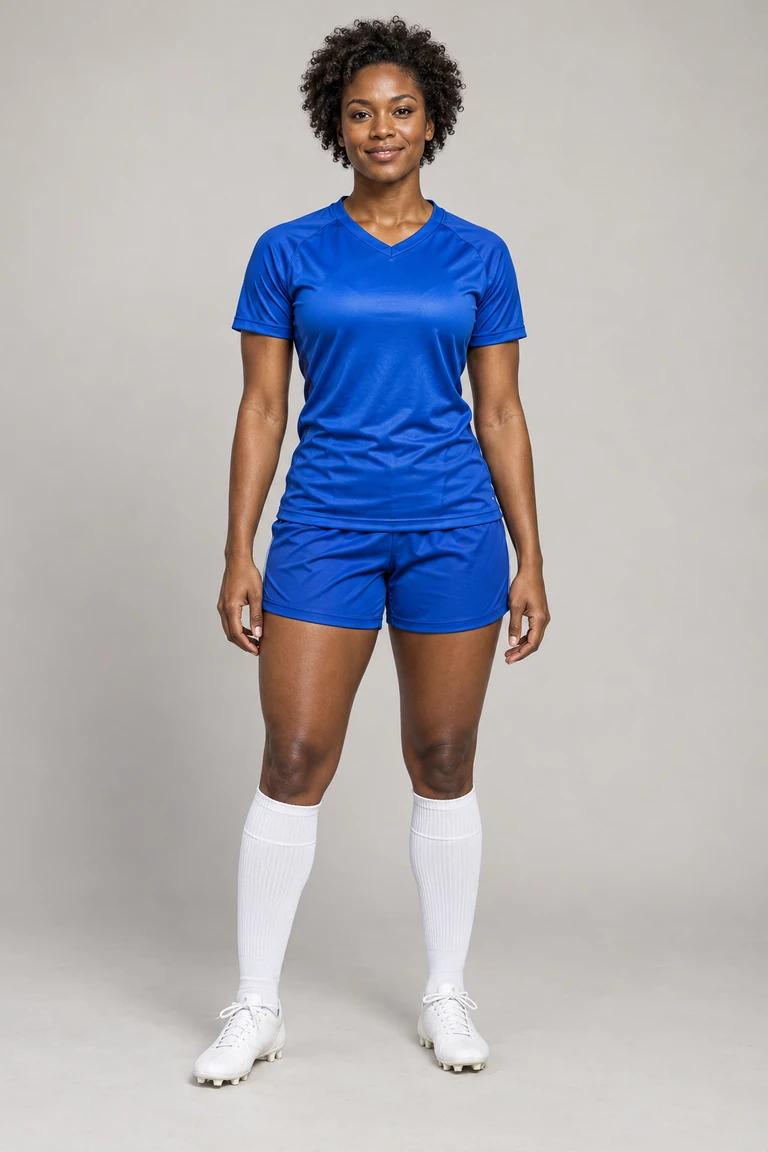 ↗
↗See the approach, ball contact and finish. 15 seconds · vertical 9:16 · optional original demo music and stadium sound.
Make an Ozil Goal video ↗These examples use AI-created adult photos. Your result may vary with your photo. Check faces and hands before sharing. Add music separately to the silent dance video.
 0.3s
0.3sWalk toward the camera through the party.
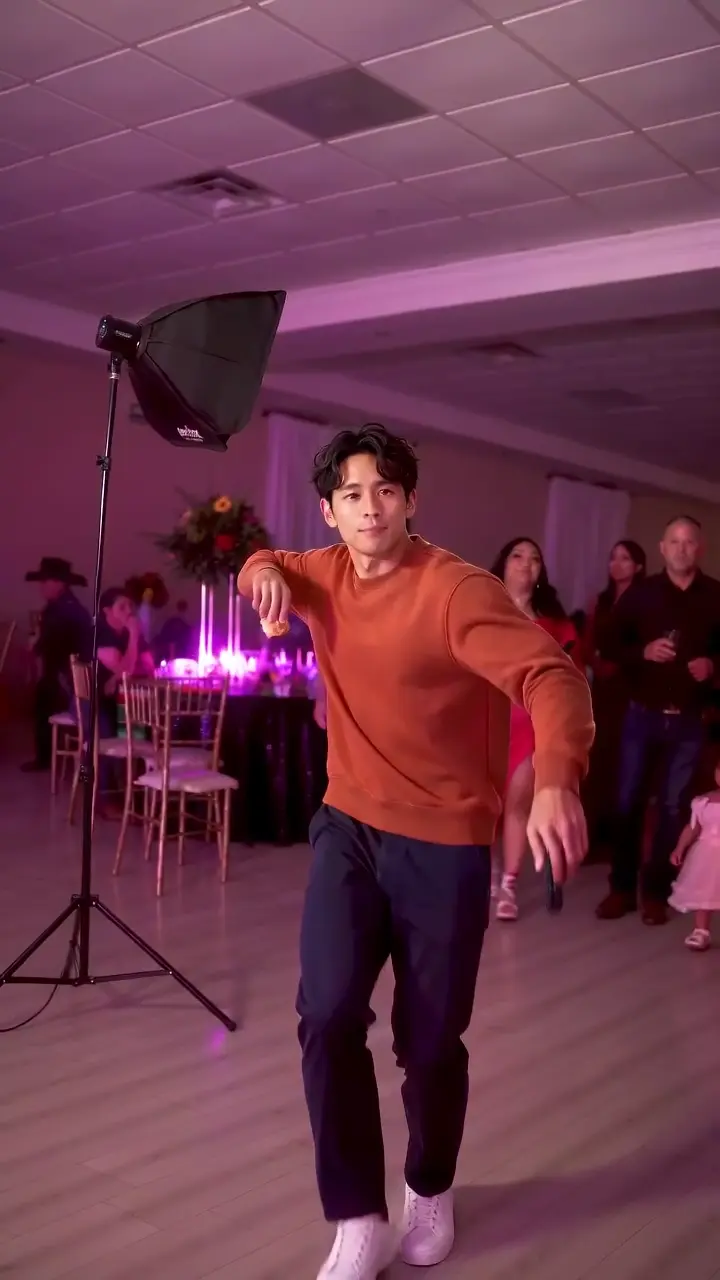 2.0s
2.0sMove your arms and sway to the dance.
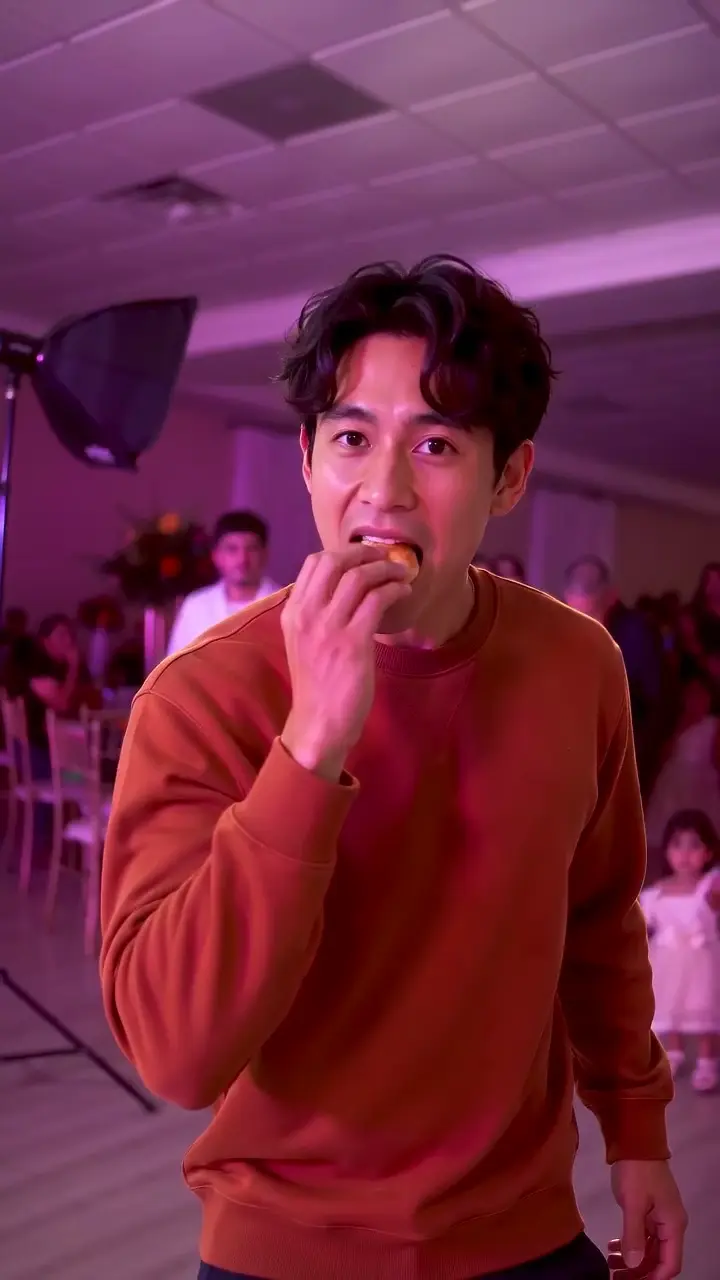 3.3s
3.3sLift the concha and take a bite.
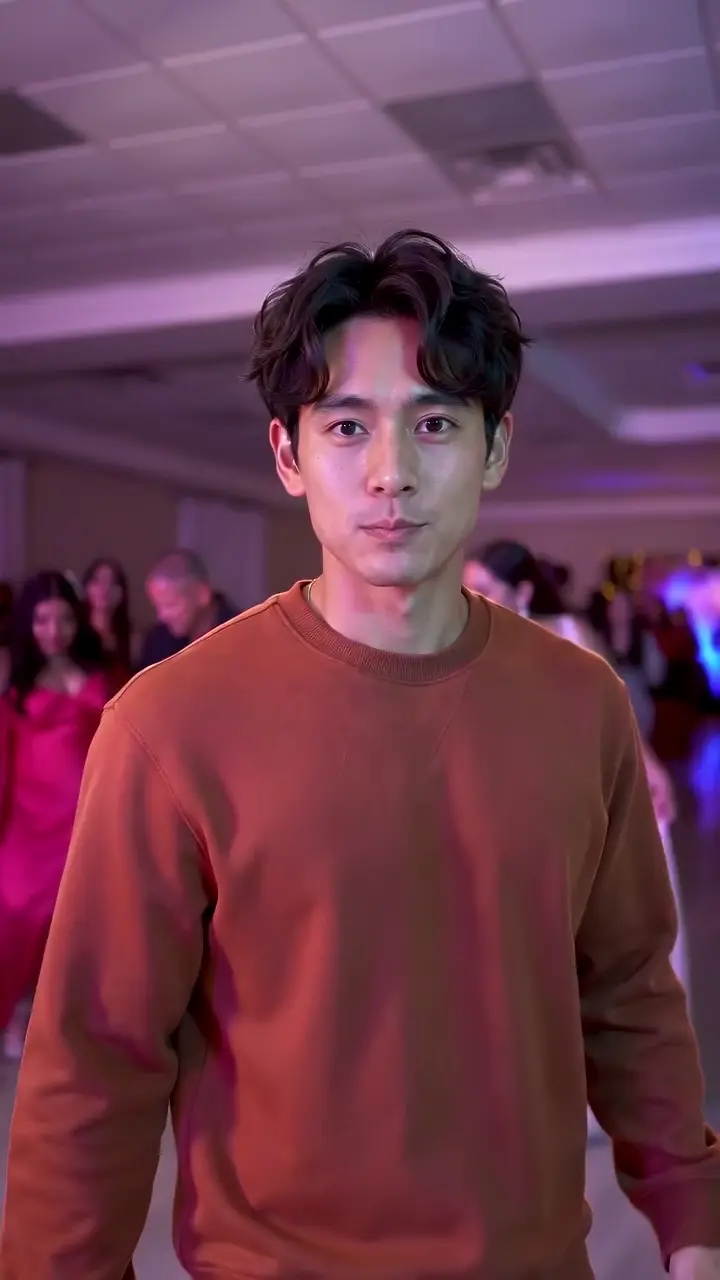 5.0s
5.0sPause and look straight into the camera.
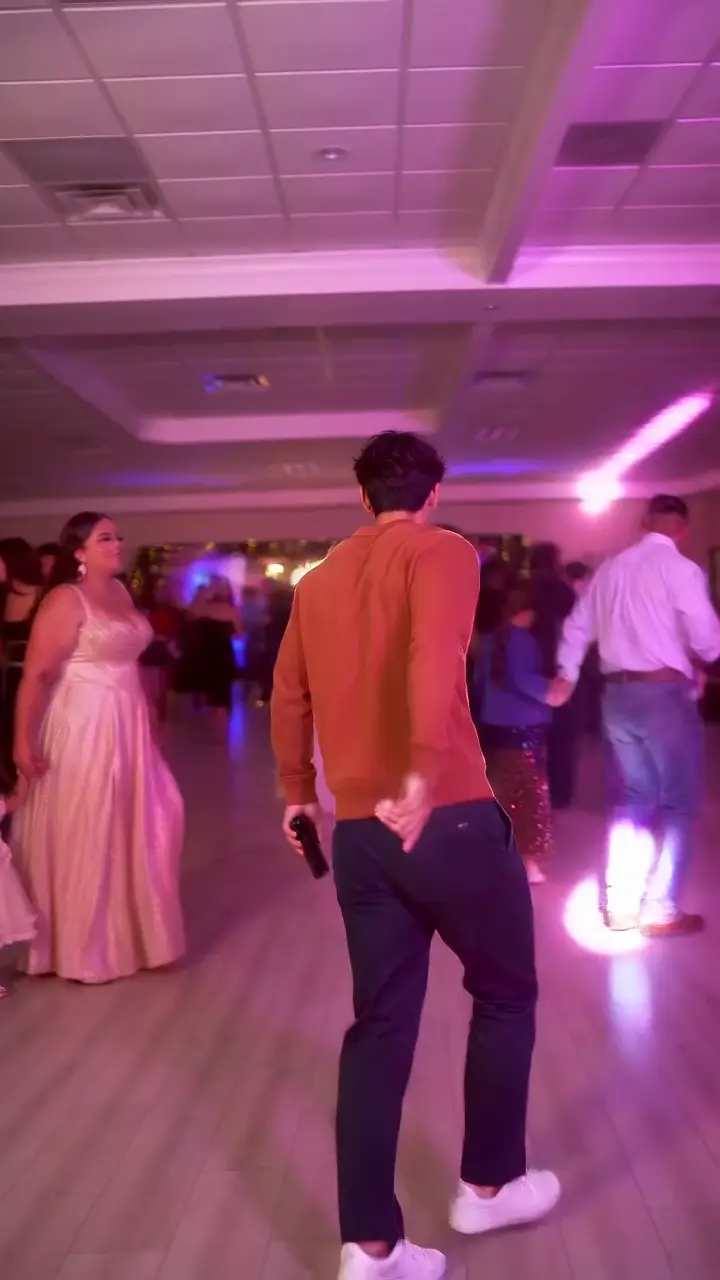 7.2s
7.2sTurn around and continue dancing.
Follow the five moments in the example above, from the approach to the final turn.
Dime Dime Baby is the TikTok party-dance meme associated with the BbY WOW hook. The dancer moves toward the camera, bites a concha (Mexican sweet bread), pauses with a straight-faced look and turns away. AI edits put the person from a photo into that sequence.
You can use a CapCut template or a dedicated photo-to-video website. Check the template’s preview and required clips before choosing. DimeDimeBaby.info recreates the concha-bite party sequence from one adult photo in your browser, with the dance and camera movement already set. You do not need to film yourself or write a prompt.
Compare CapCut templates and photo-to-video tools →Use a sharp, front-facing photo with one adult, even lighting and visible hands and legs. Keep shoes in frame and your face clear of sunglasses or heavy filters. Your photo supplies the appearance and clothing for the Dime Dime Baby edit. JPG, PNG and WebP files up to 5 MB are accepted.
Download your silent Dime Dime Baby MP4, upload it to TikTok and choose an available BbY WOW sound in the app. Align the music with the approach and bread bite. Sound availability depends on your account and region. Review the video and use the platform’s AI-generated label when posting.
Follow the sound and timing guide →Watch the references: BbY WOW · official Topic listing · Party clip on TikTok.
Choose credits for your Dime Dime Baby video: standard 720p uses 1; 1080p enhanced uses 2. Dime Dime Baby is about 9 seconds and silent, with native 720p vertical framing that fills the phone screen; Ozil Goal is 15 seconds, 9:16 with optional original music and stadium sound.
Make one standard video from your photo.
$5.991 credit · one-time purchase
Make three standard videos across either trend.
$14.993 credits · one-time purchase
Make ten standard videos, or mix export sizes.
$39.9910 credits · one-time purchase
Keep this tab open while your device prepares the enhanced download. Original demo music is available only for Ozil Goal. Enhancement enlarges the image; original detail stays the same. The original MP4 remains available if browser processing is unsupported. USD; check taxes and the final total at checkout. No recurring charges. Guides and examples are free; personalized videos require credits.
Credits back for technical failure · Visual-defect refund conditions →
Upload one adult photo, choose Dime Dime Baby, sign in and use 1 credit for a standard video. When it finishes, preview the full clip and download the MP4. Add music in your posting app.
Yes. One adult photo is enough. The dance and camera sequence are preset; you can generate without recording yourself.
Personalized videos on this site require paid credits. You can watch the examples and read the tutorial for free. The smallest pack costs $5.99 and covers one standard video.
Your dance is about 9 seconds and silent. Download the native 720p vertical MP4. The party and dancer fill the 9:16 frame, ready to save to your phone. Optional 1080p enhancement uses 2 credits per generation. Add music in your posting app.
A confirmed technical failure returns the credits used. For a severe visual defect, contact support within 7 days with the task ID. We review it for a redo or a refund under the refund policy.
Pet photos are currently unsupported. Use a photo of yourself or another consenting adult.
Compare complete sample videos, photo requirements, final cost and music options. This tool creates the party dance from one photo. The CapCut comparison explains the editing-template option.
Processing time varies with the video service. Follow your task’s status in the creator or My videos. Keep the browser tab open while preparing an enhanced download.
Inputs are scheduled for removal after 7 days unless a task is unresolved. Results are scheduled for removal after 30 days. Download videos you want to keep, and contact support for deletion requests.
No. New videos are generated directly in 9:16 with the dancer and party filling the frame. The scene is recomposed from the wide reference, so background details can change. Download the original 720p MP4, or keep this tab open for 1080p enhancement.
DimeDimeBaby.info makes the approximately nine-second party sequence with the approach, concha bite, camera stare and turn away. Watch the complete example before buying to check that the movement matches the clip you remember.
Upload one adult photo. Choose your preset and preview the result before sharing.
Tool directories