 ↗
↗01 / DIME DIME BABY
The concha bite and stare
Watch the walk-in, bread bite and turn back to the party. About 9 seconds · native 720p · silent. Download the native vertical MP4, ready to save to your phone.
Download vertical MP4 ↗ Dime Dime BabyAI
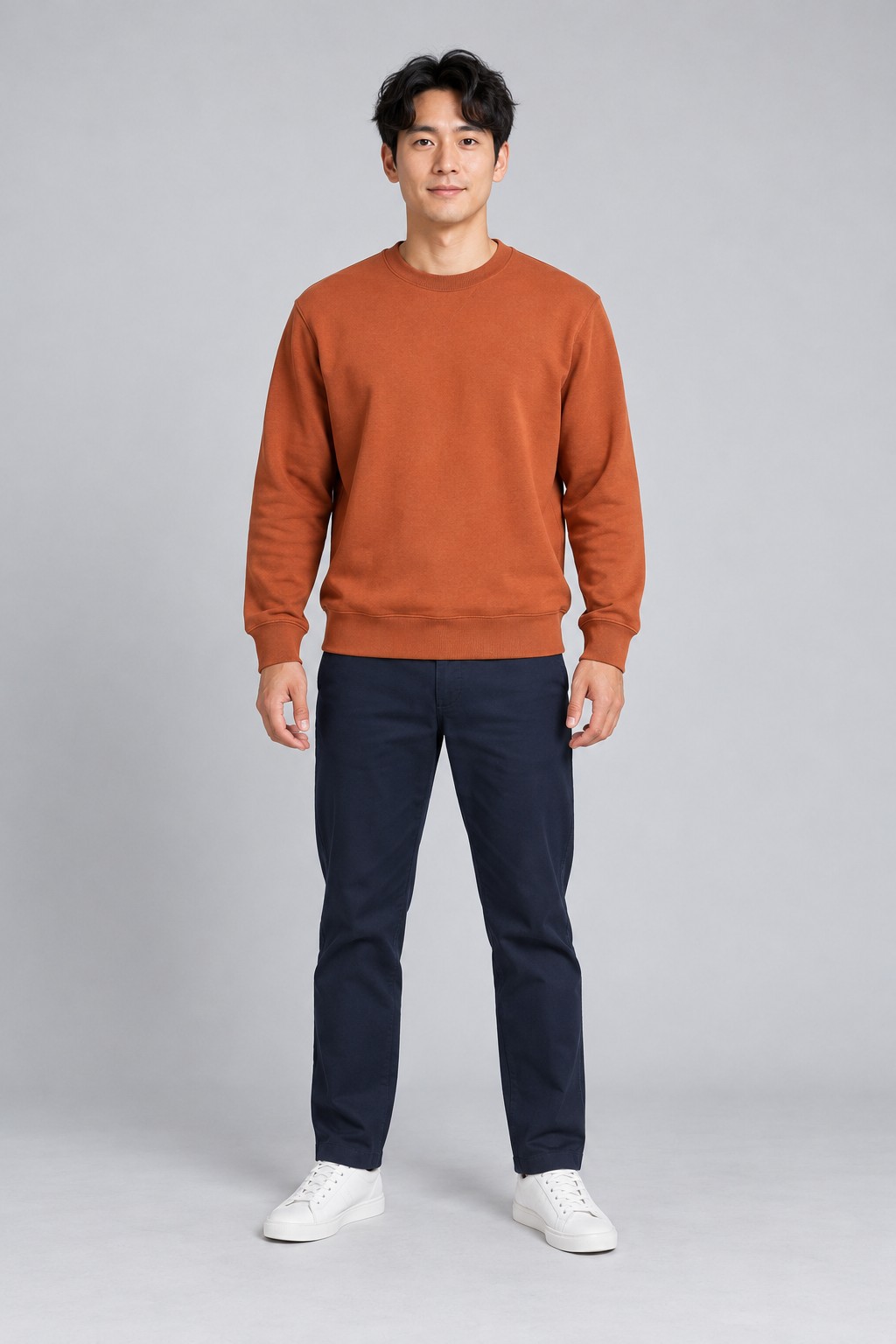
Watch a complete Dime Dime Baby AI video beside the photo used to create it. Check the walk-in, concha bite, facial expression and turn before making your own. The football example below shows the separate Ozil Goal preset.
See the photo and its finished video side by side. Play the whole clip to check the face, movement and ending.
↗Watch the walk-in, bread bite and turn back to the party. About 9 seconds · native 720p · silent. Download the native vertical MP4, ready to save to your phone.
Download vertical MP4 ↗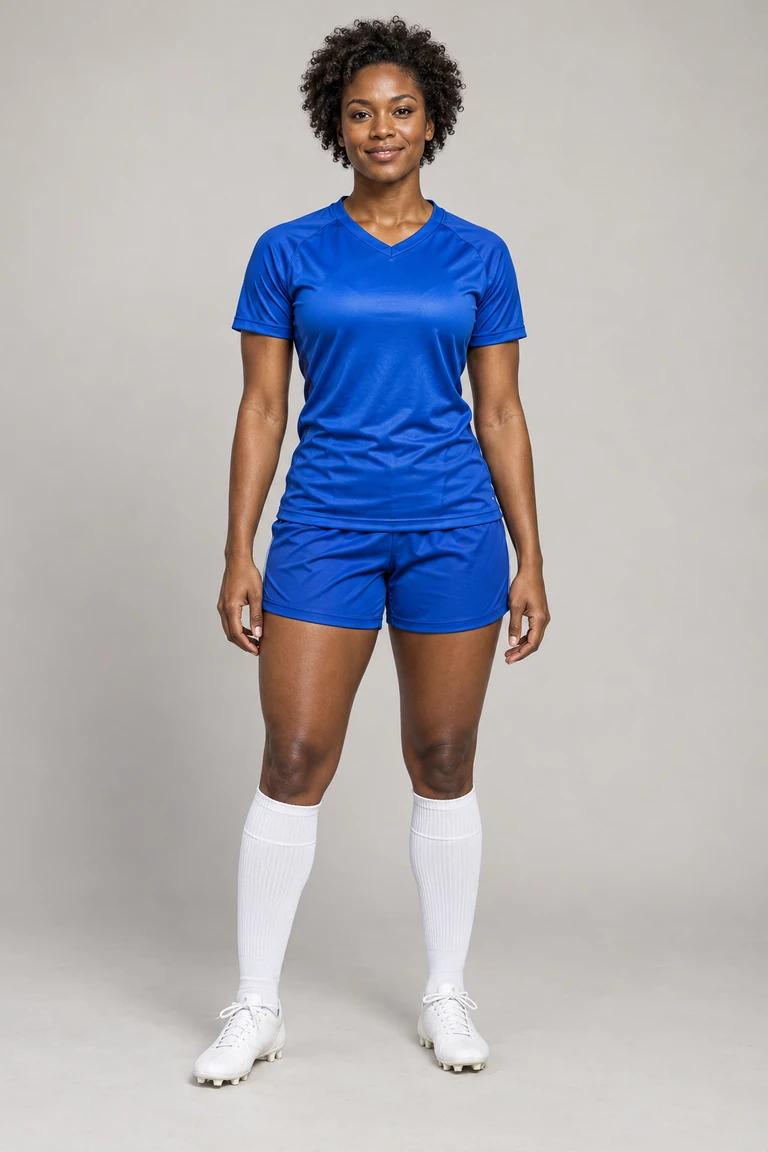 ↗
↗See the approach, ball contact and finish. 15 seconds · vertical 9:16 · optional original demo music and stadium sound.
Make an Ozil Goal video ↗These examples use AI-created adult photos. Your result may vary with your photo. Check faces and hands before sharing. Add music separately to the silent dance video.
Play the full result, then jump to each moment. The sample uses the pictured AI-created adult in a rust sweatshirt. Check the sequence and likeness before choosing your own photo.
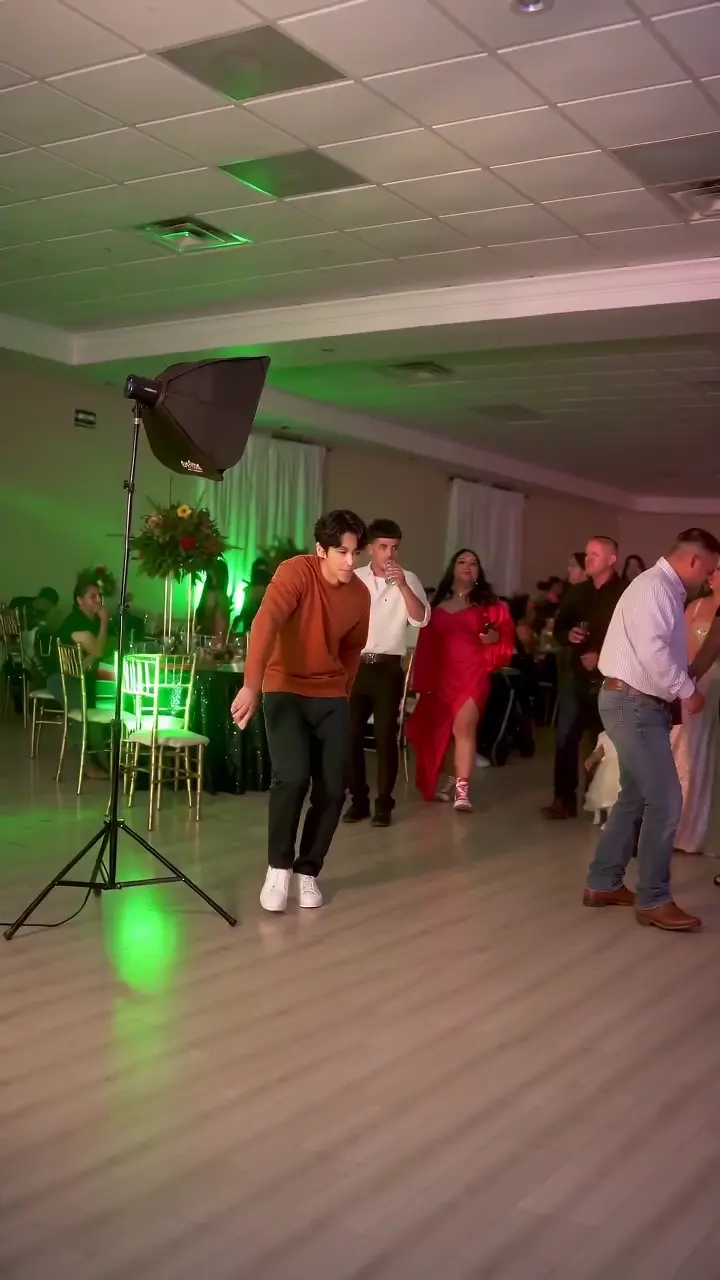
Follow the person approaching through the party.
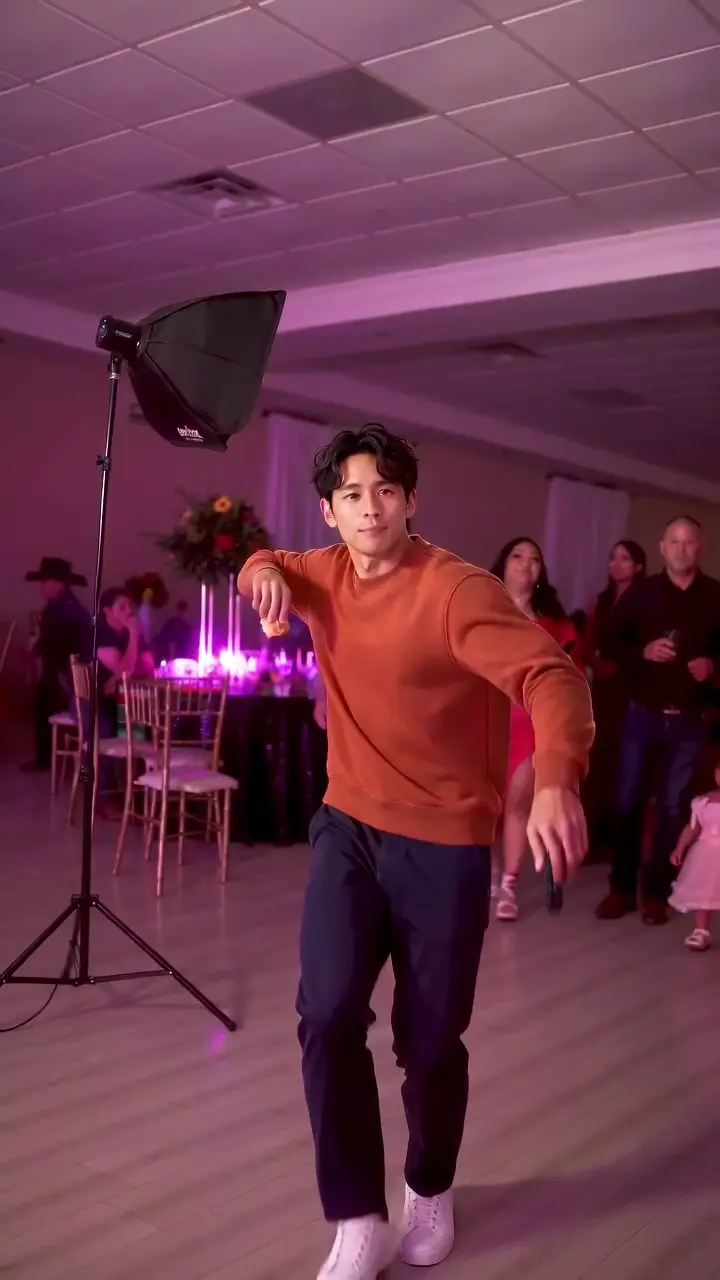
Check the arm movement and the outfit from the photo.
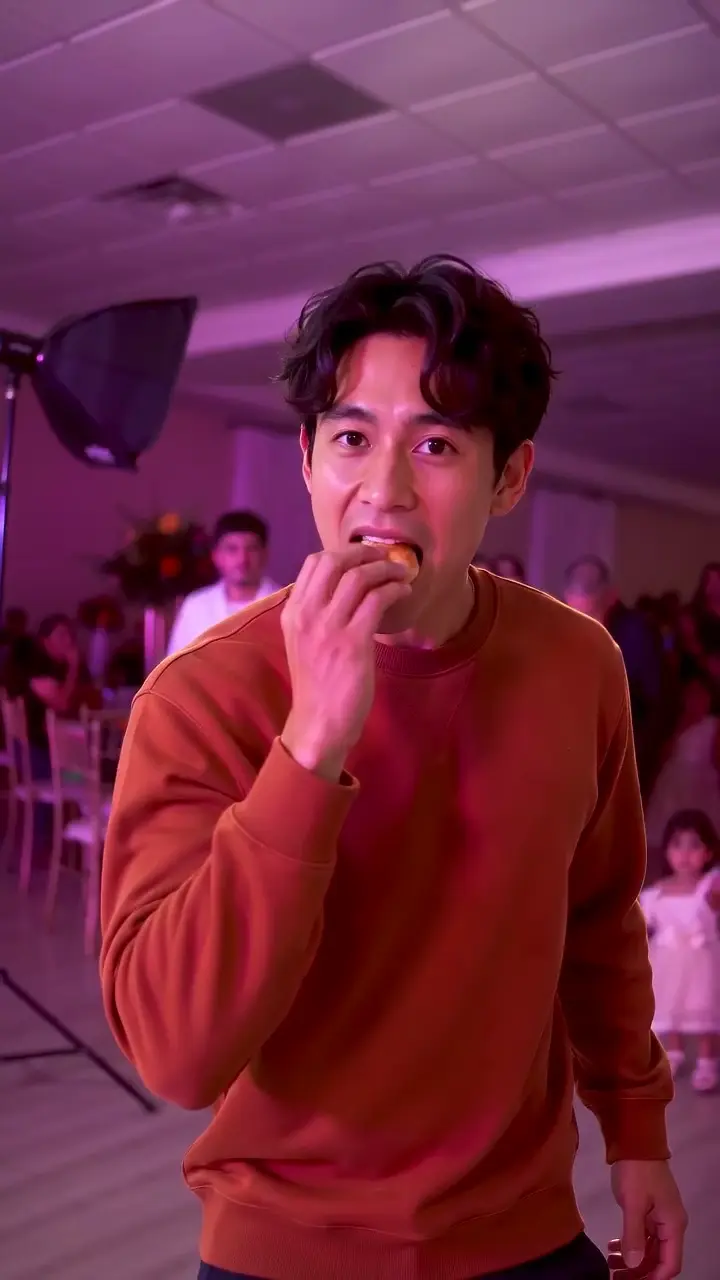
Watch the hand, bread and mouth together.
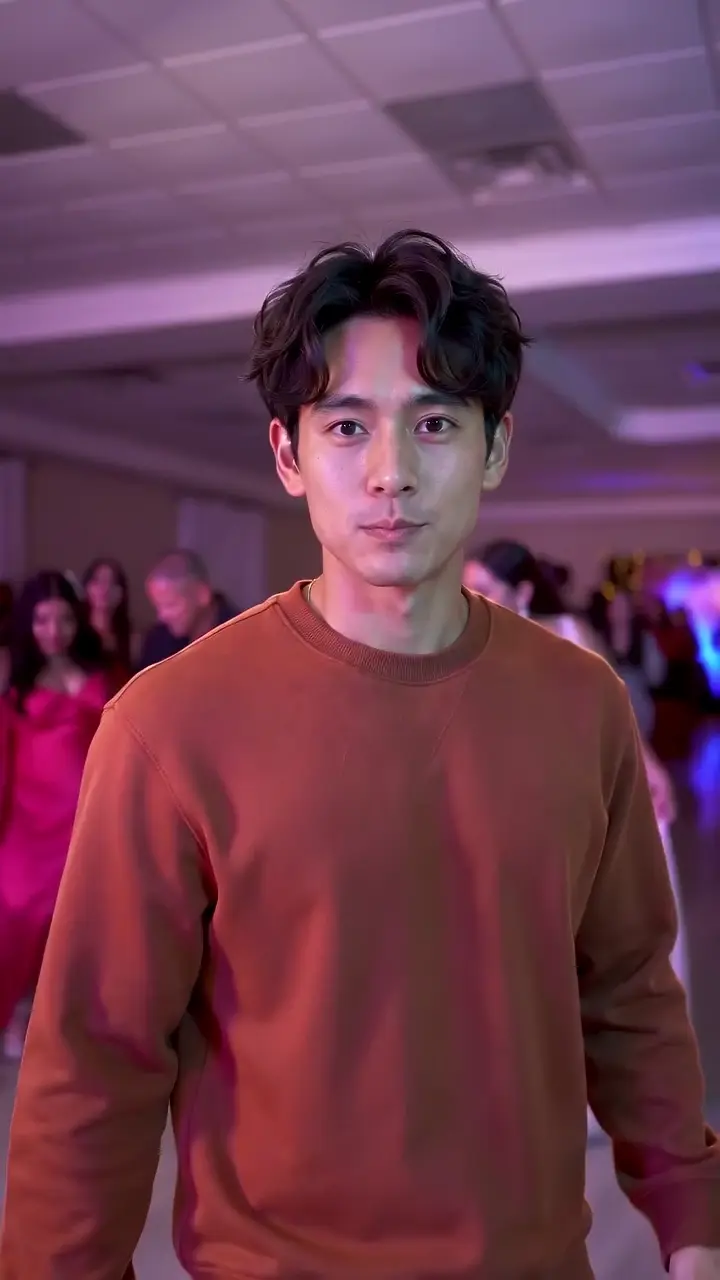
Inspect the face during the close view.
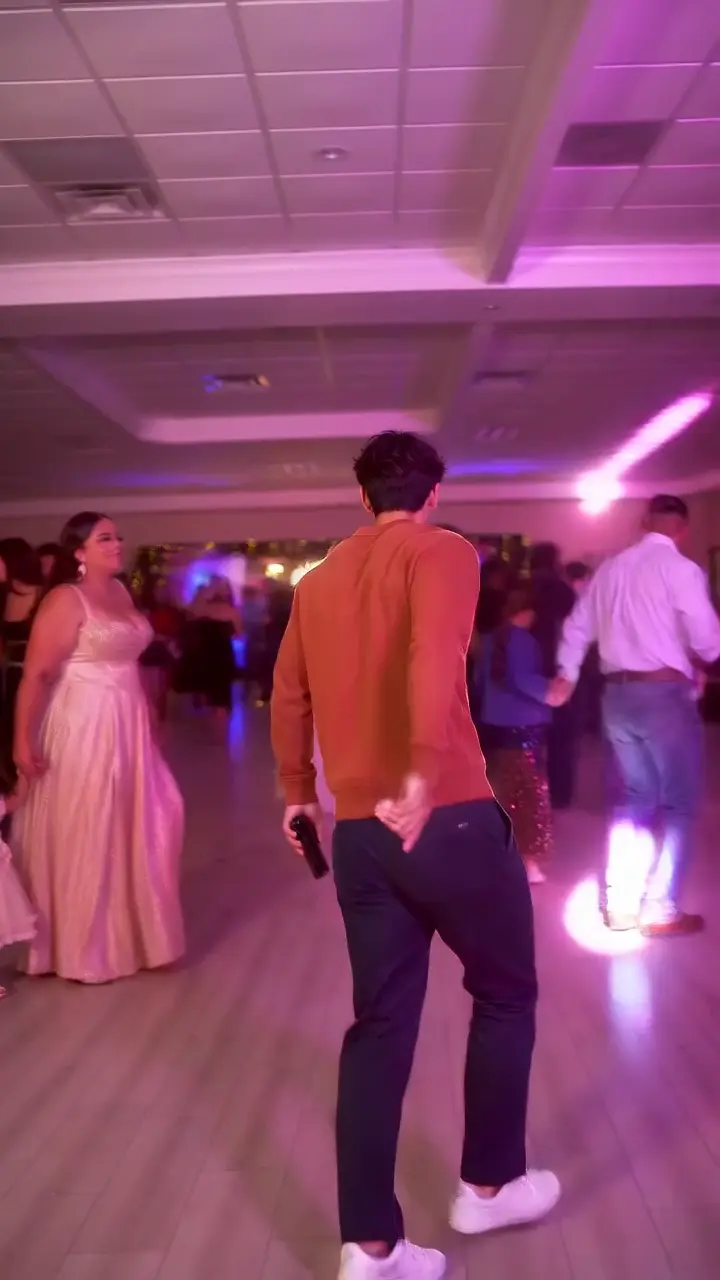
Watch the person dance back into the crowd.
Times are approximate markers in this sample, not guarantees for every generated frame. Play the entire clip to check transitions between them.
The video is generated directly in a vertical frame, with the party and dancer filling the screen. Compare the sequence with the party-clip reference on TikTok. The reference is separate from the generated result shown here.
The adult in the rust sweatshirt approaches through the party, moves his arms, brings the bread to his mouth, pauses facing the camera and turns away. The input photo above supplies his appearance and clothes.
The input shows one AI-created adult, with a visible face, dark hair, a rust sweatshirt, dark trousers and light shoes. Compare those features with the result at the beginning, during the close view and after the turn. A single matching frame does not show how a face moves through the whole video.
At roughly 0.3 seconds the dancer is farther from the camera. Around 2 seconds he is closer and moving his arms. The bread reaches his mouth near 3.3 seconds; the front-facing pause appears around 5 seconds. Near 7.2 seconds he dances back toward the party. Use the buttons above to find each moment, then play through it.
Watch the fingers where they hold the bread, the mouth during the bite and the face as it turns. These details matter when judging your own result. This example demonstrates one completed output; a different photo can change likeness, hands and small background details.
Your photo guides the main dancer’s appearance and outfit. The preset supplies the party scene and the walk, bite, pause and turn. It does not move the dance into the room behind you in your photo. Choose a photo wearing the clothes you want to appear in, and preview the full result before posting.
This example is a silent 720 × 1280 MP4 lasting 9.04 seconds. The model follows the horizontal party reference and generates a full-frame vertical scene. The download is the original generated file; it has no blurred border panels and uses no extra generation credits.
Choose a suitable photo → · Add the sound after downloading →
Watch the face during the pause, the hand holding the concha and the turn back toward the party. Check that clothing and body movement remain consistent through the full clip.
The pictured inputs are AI-created adult characters used to demonstrate each preset. Compare the appearance and clothing in the photo with the finished video. Choose a similarly clear, well-lit photo for your own upload.
The Dime Dime Baby sequence is preset, while your photo changes the person’s appearance. Face angle, lighting and body visibility affect the result. Watch your entire video before sharing and contact support if you find a severe defect.
Compare the walk-in, concha bite, stare and turn in the Dime Dime Baby examples below. The pictured adult character supplies the face and rust sweatshirt; the preset follows the party sequence. Use the timeline to inspect each moment, then play the complete clip to check continuity. This is one example, and likeness and motion can vary with your photo.
Yes. The Dime Dime Baby examples show a native 720 × 1280 video, about 9 seconds long and silent. The dancer and party fill the vertical frame. Download the sample to inspect the original file and full ending before choosing your own photo.
Yes. Use the download link under the dance example to inspect the full MP4.
The dance example and personal dance exports are silent. Add an available song in your posting app. The separate Ozil Goal example has optional original demo music.
Open the generator, upload one adult photo and choose the matching preset. Personal generation uses paid credits.
Yes. This example was generated directly at 720 × 1280. It follows the horizontal party reference while recomposing the scene for a vertical frame. It is silent; add your chosen sound when posting.
No. The example shows what happened with the pictured adult photo. Face angle, visible body details and lighting can affect your own result. Inspect the complete clip, especially the face, fingers and bread contact, before sharing.
Upload one adult photo. Choose your preset and preview the result before sharing.